

Growing
Plants list
The Plants page displays your complete grow history, showing each plant's current stage from seedling to harvest. Click Plants in the top menu to open it.
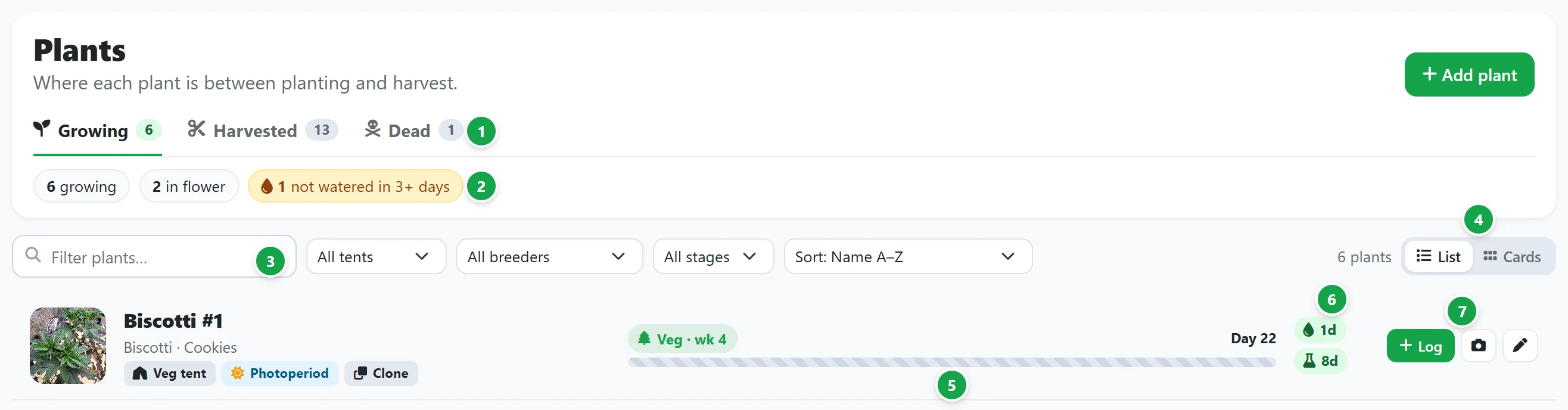
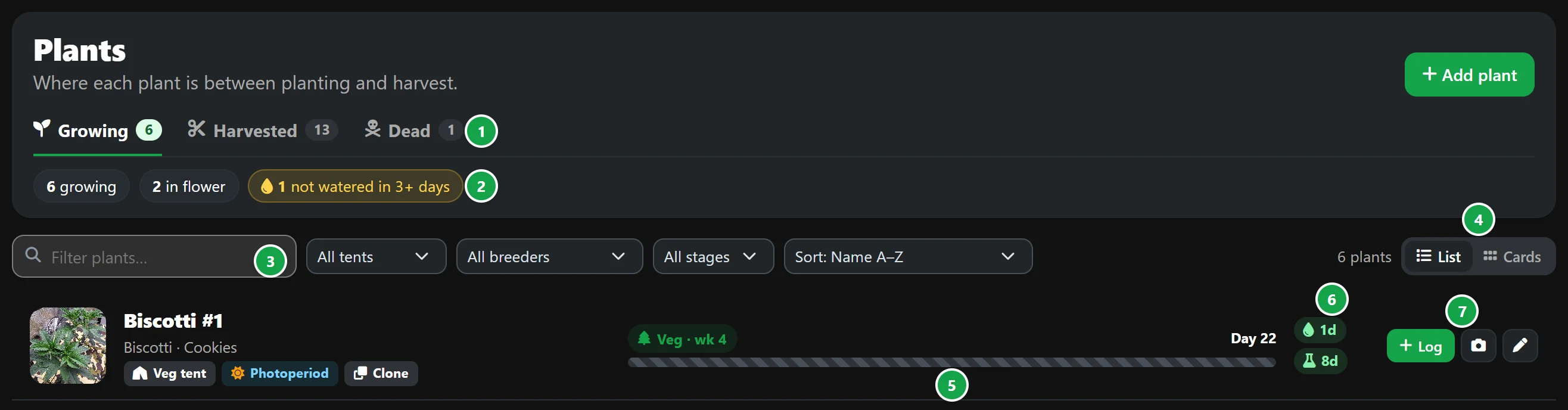
- 1 Tabs. Growing holds active plants, Harvested lists plants currently drying, curing or finished, and Dead archives plants that did not survive. Each tab displays an active plant count.
- 2 Summary of the Growing tab: how many plants are growing, how many are in flower, how many are due for harvest within 3 weeks, and how many haven't been watered in 3 days or more.
- 3 Filter plants finds plants by name, strain, breeder, tent or stage as you type. Dropdown menus beside it narrow the view to a specific tent, breeder or stage, while Sort orders the list by name, age (newest or oldest), longest since watering or soonest harvest. Clear resets all active filters.
- 4 List or Cards. List displays a detailed table row for each plant, while Cards displays visual photo tiles. Your view choice and sort order are saved in your browser.
- 5 Progress to harvest. The progress bar runs from the start date to the estimated harvest window, showing the plant's active stage, week, total day count and remaining weeks. A striped bar indicates that no estimate is set. On the Harvested tab, this area displays your final yield instead.
- 6 Days since watering and feeding. These indicators turn amber, then red, following the same time thresholds as the Today page.
- 7 Log opens the plant's page ready to log an activity. The camera button uploads photos, and the pencil icon edits plant details.
Plants with a smoke report show a badge with their latest score. Click it to open the report.
Click any plant's name or photo tile to open its page. Add plant in the top right starts a new plant profile. See Adding a plant.